SpringBoot+VUE實現(xiàn)前后端分離的實戰(zhàn)記錄
這里使用VUE UI創(chuàng)建一個VUE項目
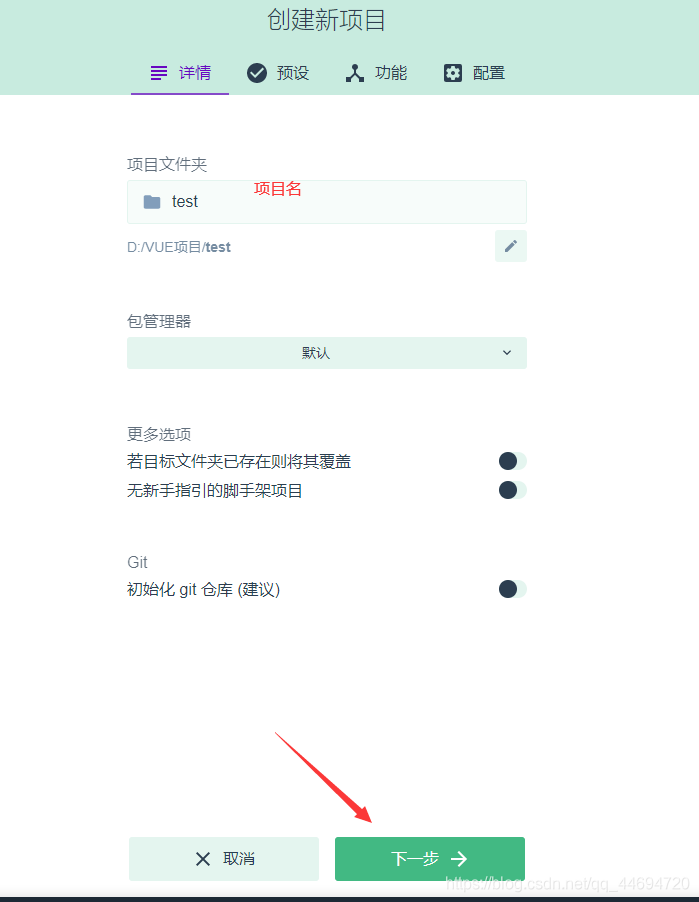
命令行輸入vue ui進入
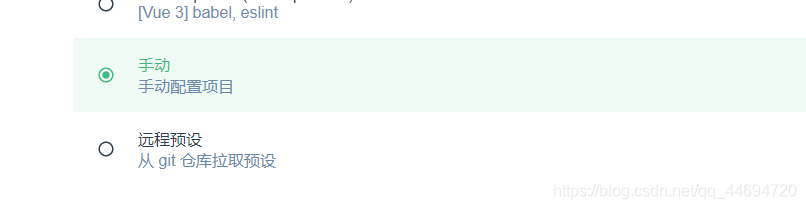
手動配置項目
選中這三個
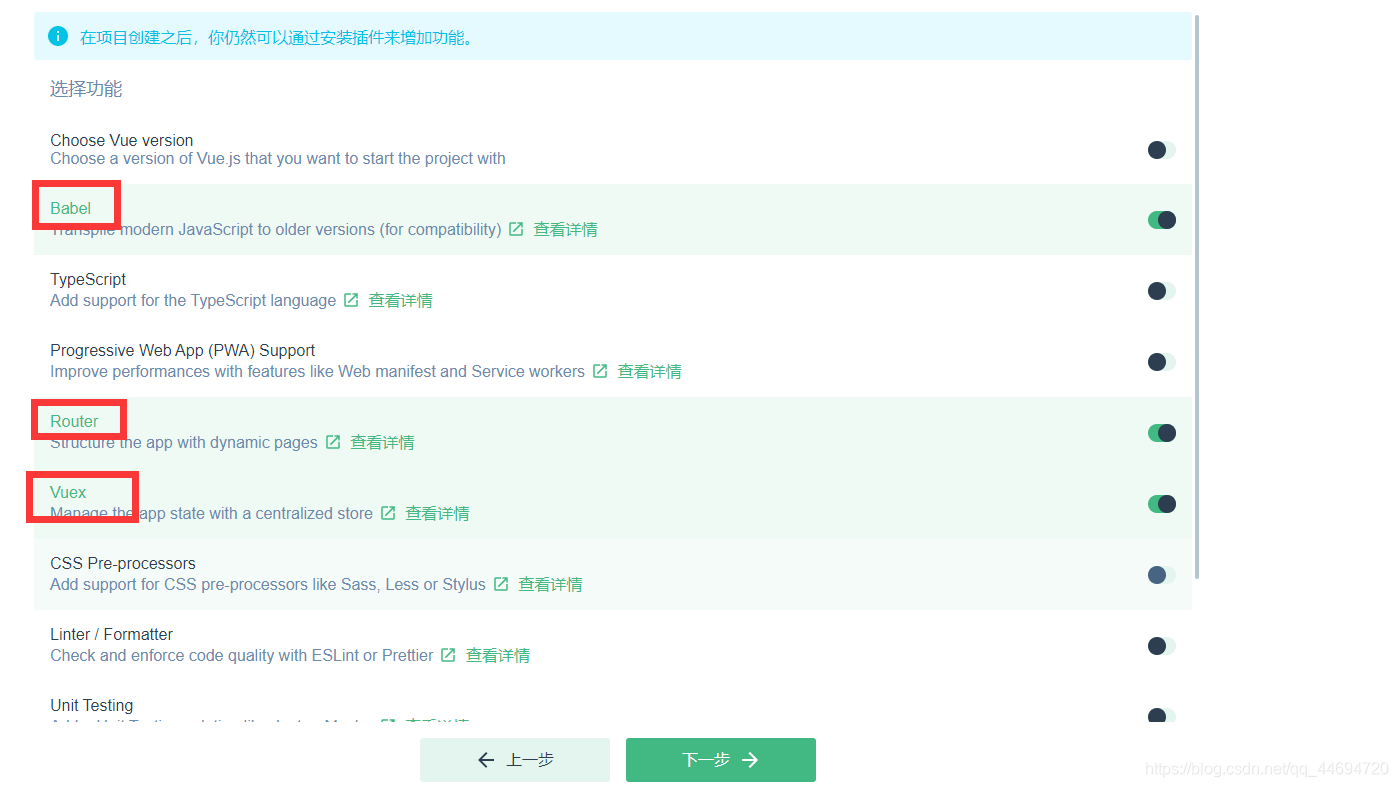
點擊下一步->點擊創(chuàng)建項目
用IDEA打開剛才創(chuàng)建的項目
IDEA中的安裝vue插件并重啟

IDEA控制臺中輸入vue add axios安裝axios

新建一個Show.vue
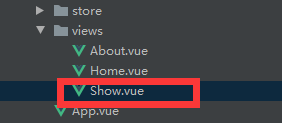
在index,js的routes中配置它的路由
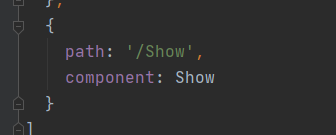
編寫Show,vue向后端請求數(shù)據(jù)并展示
<template> <div><table> <tr><td>ID</td><td>姓名</td><td>性別</td> </tr> <tr v-for='user in users'><td>{{user.id}}</td><td>{{user.name}}</td><td>{{user.sex}}</td> </tr></table> </div></template><script> export default {name: 'Show',data(){ return{users:[ {id:'',name:'',sex:'', }] }},created() { const _this=this axios.get(’http://localhost:8888/user/showAll’).then(function (resp) {_this.users=resp.data })} }</script><style scoped></style>二,后端SpringBoot項目
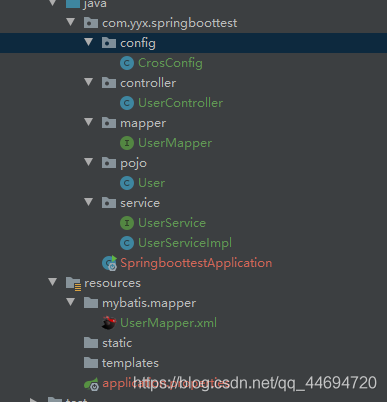
編寫一個查詢功能
略
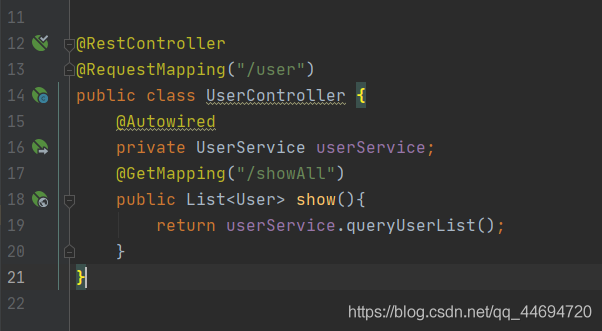
controller層返回json數(shù)據(jù)
在spring boot中解決跨域問題
重寫WebMvcConfigurer中的addCorsMappings()方法
@Configurationpublic class CrosConfig implements WebMvcConfigurer { @Override public void addCorsMappings(CorsRegistry registry) {registry.addMapping('/**').allowedOriginPatterns('*').allowedMethods('POST', 'GET', 'PUT', 'OPTIONS', 'DELETE').allowCredentials(true).maxAge(3600).allowedHeaders('*'); }}
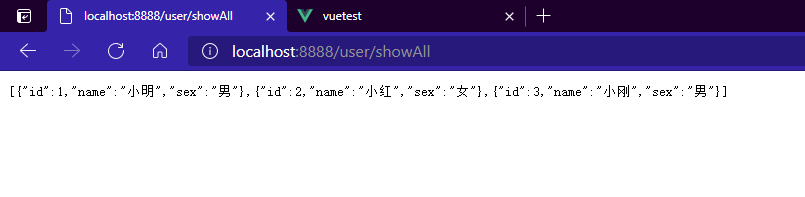
后端測試(注意前后端端口號的區(qū)分,VUE占用了8080和8081,在Springboot中修改后端的端口號)

數(shù)據(jù)輸出成功
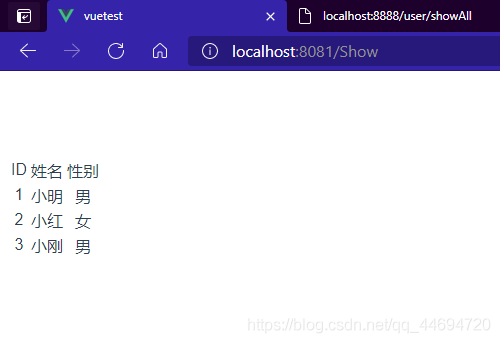
前端發(fā)請求拿數(shù)據(jù)

前端拿數(shù)據(jù)成功!!!
到此這篇關于SpringBoot+VUE實現(xiàn)前后端分離的文章就介紹到這了,更多相關SpringBoot+VUE前后端分離內(nèi)容請搜索好吧啦網(wǎng)以前的文章或繼續(xù)瀏覽下面的相關文章希望大家以后多多支持好吧啦網(wǎng)!
相關文章:
1. ASP基礎知識VBScript基本元素講解2. Python 利用Entrez庫篩選下載PubMed文獻摘要的示例3. Python 合并拼接字符串的方法4. Python 制作查詢商品歷史價格的小工具5. Python 如何調(diào)試程序崩潰錯誤6. Python sublime安裝及配置過程詳解7. python使用jenkins發(fā)送企業(yè)微信通知的實現(xiàn)8. Linux刪除系統(tǒng)自帶版本Python過程詳解9. ASP.NET MVC使用jQuery ui的progressbar實現(xiàn)進度條10. Python3 json模塊之編碼解碼方法講解

 網(wǎng)公網(wǎng)安備